Workspace
White label
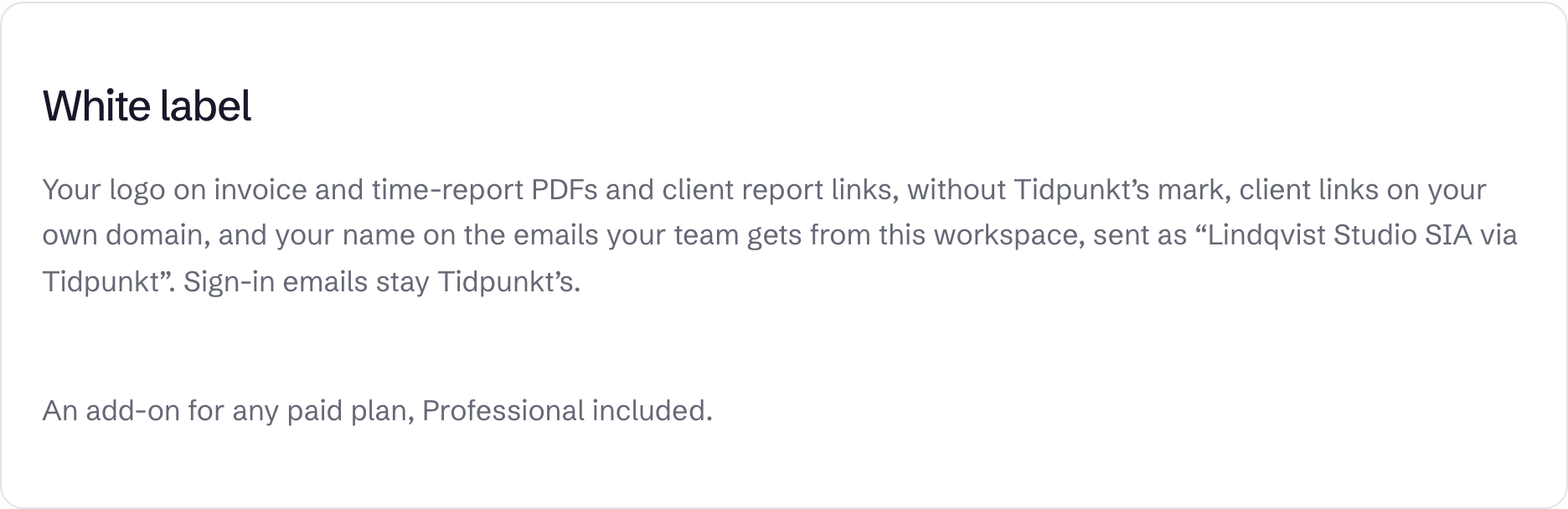
White label replaces Tidpunkt's branding with your own logo and name.
It is a paid add-on for any paid plan, Freelancer included. It is not available on Free or during a free trial without a paid plan. See pricing.
What changes
- Your logo on invoice PDFs, time report PDFs and client links, without the Tidpunkt mark.
- Client links on your own domain.
- Workspace emails, such as invitations, budget alerts and scheduled reports, carry your name and logo. They are sent as "Your name via Tidpunkt" from Tidpunkt's address, and replies go to the workspace's first owner.
The name is the Legal name from invoice settings, or the workspace name if that is blank. Sign-in emails and account notices stay Tidpunkt's.
Add it
Owners and admins can do this, on Team under White label. Select Add white label.
On a subscription, the add-on is added to it and charged from today, prorated. A lifetime licence has no subscription to add it to, so it becomes a separate monthly subscription, paid at checkout.
Upload a logo
Select Upload logo. The file must be PNG, JPEG or WebP, up to 256 KB and 2000 px on a side. SVG is not accepted. Use Replace logo or Remove to change it. With no logo, your name is used on its own.
Use your own domain
- Under Domain for client report links, enter a host name such as
reports.yourcompany.com. - At your DNS provider, add a CNAME record for it pointing to the address shown under the field.
- Select Save.
New and existing client links use the domain once DNS has updated. Clear the field and save to go back to Tidpunkt's address. A domain can be used by one workspace only, and addresses under tidpunkt.com are refused.
Remove it
Select Remove add-on. On a subscription it is removed at once. On a lifetime licence's separate subscription it ends at the end of the paid period.
Emails and PDFs go back to Tidpunkt branding, and client links go back to Tidpunkt's address. Your logo is kept, unused, in case you add white label again. The same applies if the workspace moves to Free.