Plans and billing
Manage subscription and seats
Owners and admins manage a workspace's plan and payments under Billing in the sidebar.
Other members don't see Billing. Payments run through Stripe, and card details never reach Tidpunkt.
The Billing page
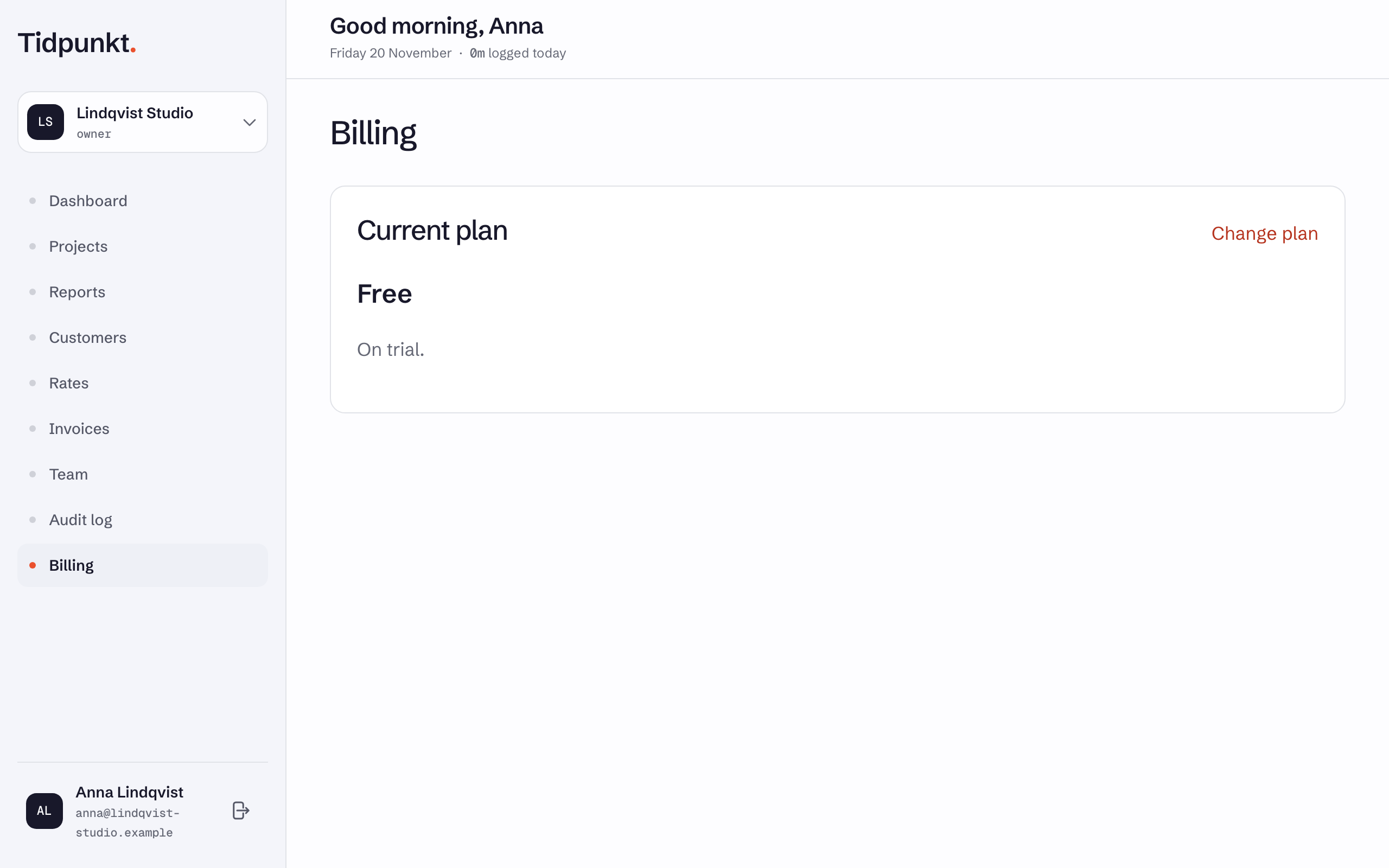
- Current plan shows the plan, and for a paid plan the Billing type, Current billing period, Next billing date and Subscription fee. Change plan opens the Subscription page.
- Payment methods lists your cards. Manage payment methods or Add payment method takes you to Stripe.
- Invoices lists paid and due invoices. Use Download for a PDF, or Pay invoice for one that is due.
If a payment fails, the page shows The last payment failed. Update your card to keep the plan. Do that under Manage payment methods.
Choose a plan
- Under Billing, choose Change plan.
- Pick a billing period and your Billing country, which sets the currency. Freelancer is listed under For individual use.
- Choose the plan and pay on Stripe. Prices exclude VAT, and you see the total before you confirm.
For what each plan includes, see Compare plans. For prices, see tidpunkt.com.
Change plan
On the Subscription page, pick another plan or billing period. Stripe shows the change for you to confirm.
- An upgrade applies now, with the difference prorated.
- A downgrade applies at the end of the billing period. Until then, the page shows the date of the change, and Keep with your current plan's name undoes it.
Freelancer can't be chosen for a workspace with more than one member. If the workspace has the White label add-on, remove it, change the plan, then add it again.
Seats
Standard, Professional and Business are billed per member, with a minimum of two seats. Pending invitations don't count. The seat count updates when someone accepts an invitation or you remove a member, and Stripe prorates the difference.
Freelancer is one seat, and a Freelancer subscription doesn't accept invitations. A workspace on a lifetime licence has no subscription or seats.
To stop paying, see Downgrade or cancel.