Tracking time
Time rounding
Time rounding bills each billable entry up to a step you choose, while the hours you tracked stay exact.
Time rounding is included in the Freelancer, Standard, Professional and Business plans, and during the trial.
Turn it on
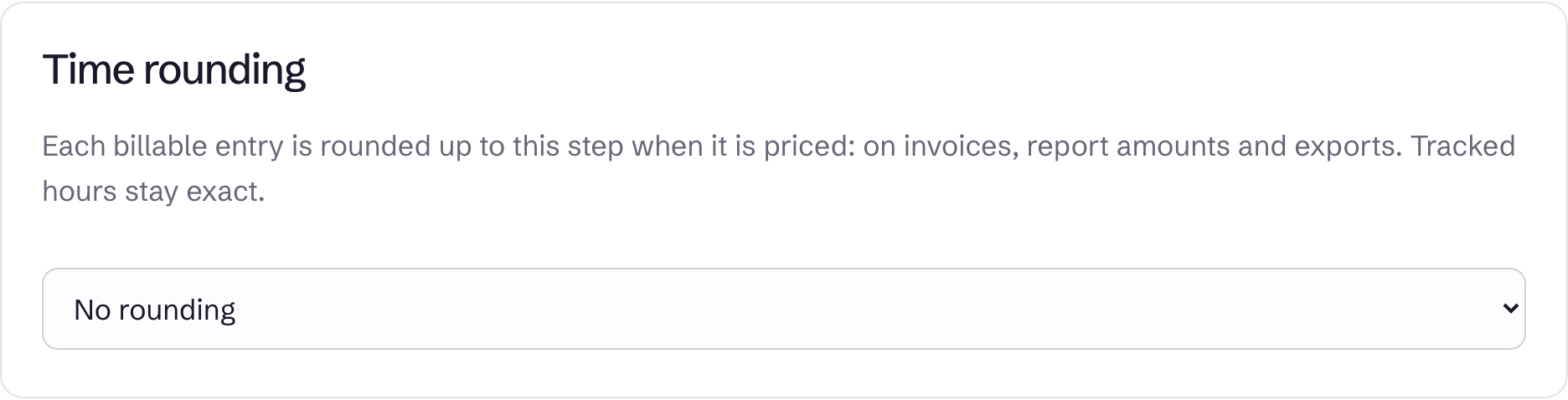
Open Team and find Time rounding. Owners and admins can see this setting. Pick a step, and it saves straight away:
No rounding, or a step of 5, 6, 10, 15, 30 or 60 minutes, listed as Up to 15 minutes and so on.
How it works
Each entry is rounded up on its own, to the next multiple of the step. Entries are not added together first.
| Entry | With Up to 15 minutes |
|---|---|
| 7 minutes | 15 minutes |
| 15 minutes | 15 minutes |
| 16 minutes | 30 minutes |
Three separate 7-minute entries bill as 45 minutes, not 30.
What it changes
Rounding applies to billable time that has an hourly rate, wherever it is priced:
- Quantities on new invoices
- Amounts in reports and on the Dashboard
- Amounts in CSV and Excel exports
What it does not change
- Tracked hours. Entries, reports and totals keep the exact time.
- Non-billable tasks, and time covered by a fixed price.
- Invoices that already exist, drafts included. Their quantities were set when they were created.
Because amounts are worked out when you view them, changing the step also changes the amounts shown for past periods in reports and exports.
If the workspace moves to the Free plan, rounding stops applying and billed time is exact again.