Rates and invoicing
Paid and void invoices
After an invoice is issued, the only things left to change are whether it has been paid and whether it stands.
Owners and admins do this, from the invoice's page.
Statuses
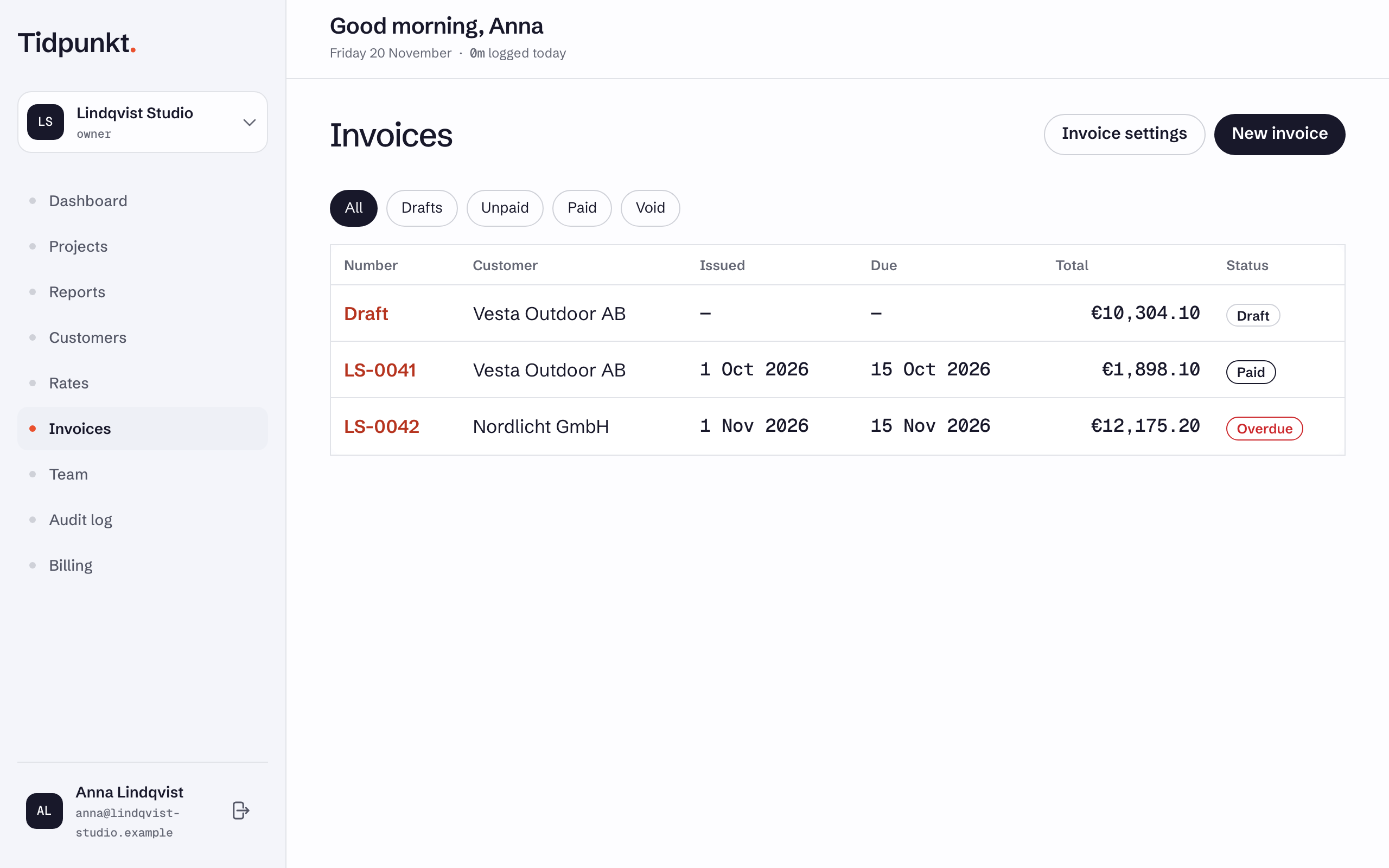
| Status | Meaning |
|---|---|
| Draft | Editable, no number yet |
| Unpaid | Issued and waiting for payment |
| Overdue | Shown instead of Unpaid once the due date has passed |
| Paid | Marked paid |
| Void | Cancelled, number kept |
The filters on the Invoices page are All, Drafts, Unpaid, Paid and Void. Unpaid includes overdue invoices.
Mark paid
Select Mark paid on an issued invoice. The payment date is today, and the invoice's tasks and fixed-price projects are marked paid.
Mark unpaid reverses it and returns the invoice to Unpaid.
Tidpunkt does not collect payments. These marks are your own record.
Void an invoice
Void invoice is available on unpaid and paid invoices.
- The invoice stays in the list, marked Void, and keeps its number, so the sequence has no gaps.
- Its time entries go back to uninvoiced and can be edited and invoiced again.
- Its tasks and fixed-price projects lose their billed and paid marks, unless another issued or paid invoice still covers them. Fixed prices can then go on a new invoice.
Voiding cannot be undone
There is no way to bring a void invoice back. To bill the same work again, create a new invoice, which gets a new number.
A draft is not voided. Use Delete draft, which removes it entirely and releases its time.
After a downgrade
If your workspace moves to a plan without invoicing, invoices you already sent stay available:
| Still works | Refused |
|---|---|
| Viewing invoices | Creating a new invoice |
| Download PDF | Editing a draft |
| Mark paid and Mark unpaid | Issuing a draft |
| Void invoice | Deleting a draft |
Time on a leftover draft stays locked until the workspace is back on a plan with invoicing and the draft is issued or deleted. See Downgrade or cancel.