Rates and invoicing
Rates and services
Tidpunkt prices billable time with the closest level that sets a rate.
Setting hourly rates is included in Freelancer, Standard, Professional and Business. Owners and admins set them.
The rate hierarchy
For each task, Tidpunkt walks down this list and stops at the first level with a rate. The currency comes from that same level.
| Order | Level | Where you set it |
|---|---|---|
| 1 | Task | Edit task on the task page, under Billing for this task |
| 2 | Project | The project's Billing field |
| 3 | Customer's rate for the task's service | Customers, edit the customer, Per service then Add service rate |
| 4 | Customer | Customers, edit the customer, Hourly rate |
| 5 | Service | Rates, under Services |
| 6 | Workspace default | Team, under Default rate |
Some details that matter:
- A blank field means the level sets nothing, and the next level decides.
- A rate of 0 is a rate. The time bills at nothing and the levels below are ignored.
- Level 3 only applies when the task has a Service and its project has a customer.
- If no level sets a rate, the time is unpriced: it counts as hours, has no amount, and is left off invoices.
- Non-billable tasks never produce an amount, whatever their rate.
The task page shows the result, for example "from the customer's service rate", so you can see which level won.
Fixed prices
The Billing fields on tasks and projects can be switched from Hourly rate to Fixed price. A fixed price replaces the whole hierarchy:
- Time on a task with a fixed price bills nothing per hour.
- Time on any task in a project with a fixed price bills nothing per hour.
- The price counts once, in the period it is marked billed.
- A billable fixed-price task inside a fixed-price project is charged on top of the project's price.
Services
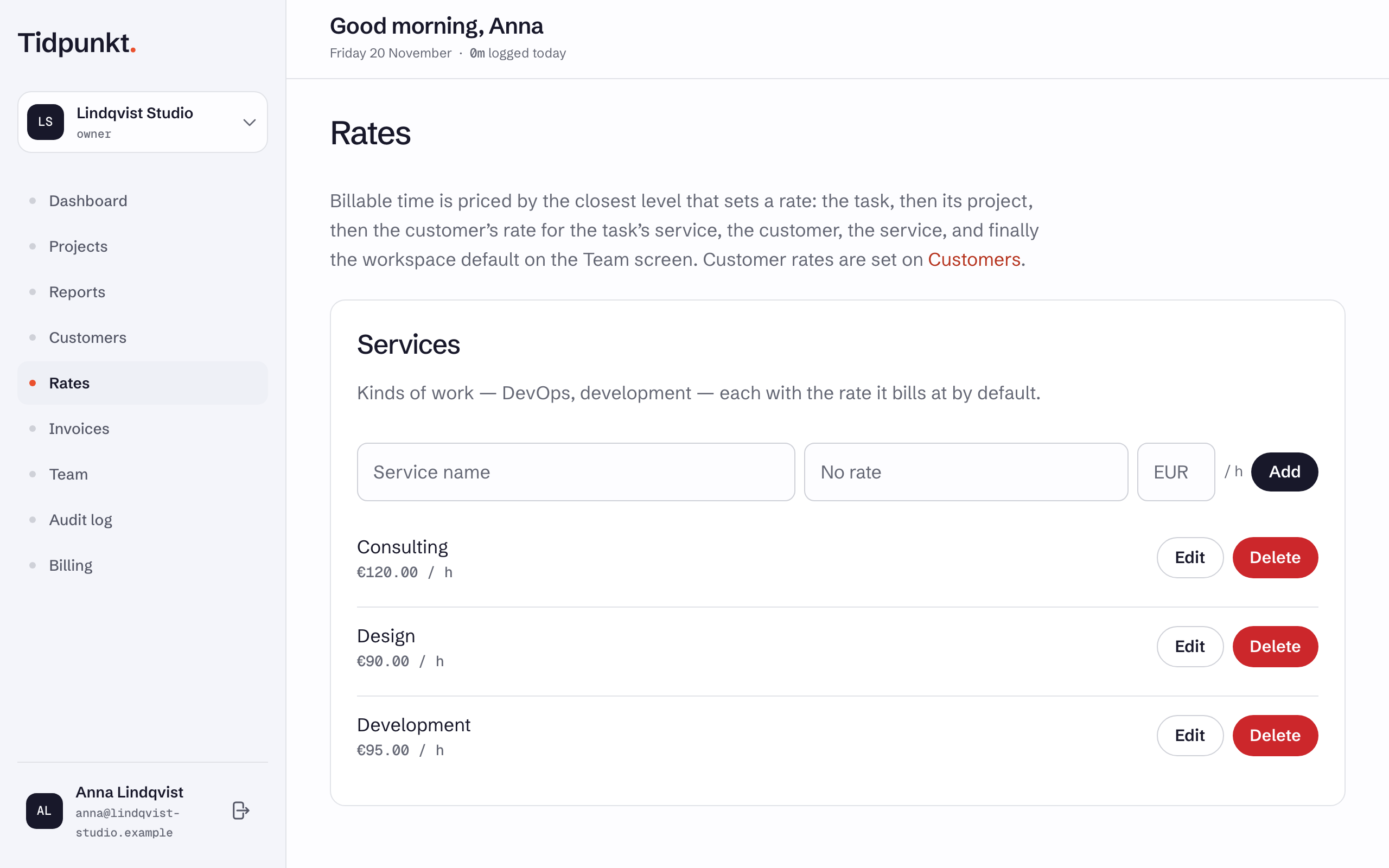
A service is a kind of work, such as development or DevOps, with an optional rate. Add them on the Rates page under Services. Names are unique within a workspace. Pick one for a task with the Service field when you edit it.
Deleting a service removes it from its tasks, which keep their time, and removes any customer rates set for it.
When a rate changes
Rates are not stored on time entries. Changing a rate re-prices all time that uses it in reports, including past time. Lines on an existing invoice keep the price they were created with.
Amounts are kept per currency and never added across currencies. Billed time can also be rounded.