Projects and tasks
Customers
A customer is who the work is for: projects sit under it, and it supplies rates and invoice details.
Everyone in a workspace can see Customers. Only owners and admins can add, edit or delete them.
Add a customer
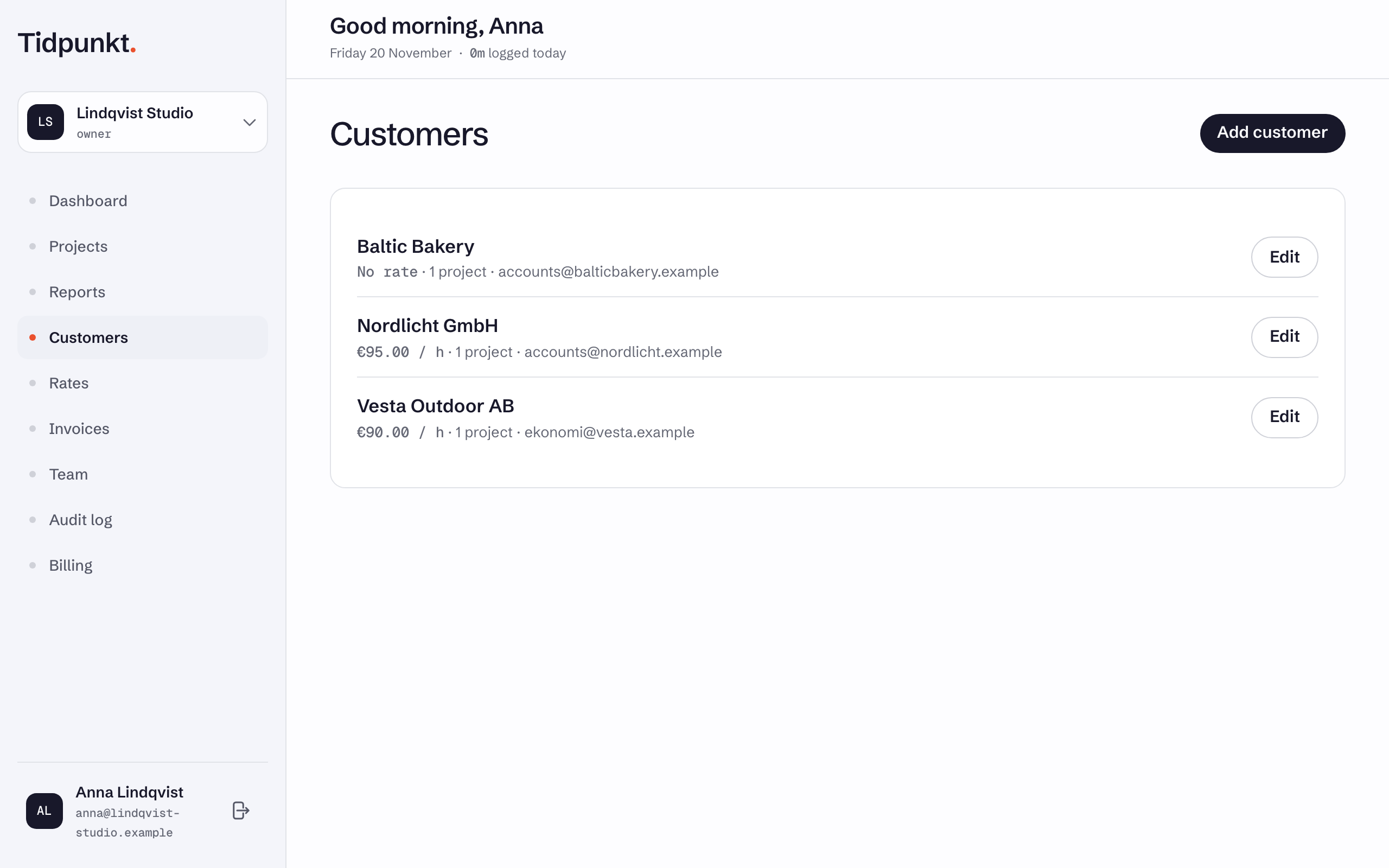
Open Customers in the navigation and choose Add customer. Only Name is required. To change a customer later, choose Edit on its row.
| Field | What it does |
|---|---|
| Name | The customer's name. |
| Optional. Shown in the customer list. | |
| Hourly rate | Applies to the customer's projects that set no rate of their own. |
| Per service | A different rate for a service. Choose Add service rate to add one. |
| Notes | Free text for your own use. |
Rates need a Freelancer, Standard, Professional or Business plan. Rates and services has the order in which rates apply.
Billing address
These fields are printed on invoices: Street, Address line 2, Postal code, City, State or region, Country code and VAT ID.
Country code takes two letters, such as LV or DE. An invoice cannot be issued to a customer without a street, city and country. See Create and issue invoices.
VAT
VAT on invoices sets the default for new invoices to this customer:
- VAT at a rate, with a VAT rate, % field next to it
- Reverse charge (EU business customer)
- No VAT (not VAT registered)
How each mode is applied is explained in VAT on invoices.
Delete a customer
Open the customer with Edit, choose Delete and confirm. Its projects and their tracked time stay, without a customer. Its per-service rates are removed.
There is no undo
A deleted customer cannot be restored, and its projects stop inheriting its rates.