Your account
Sign in
Tidpunkt has no passwords: you sign in with a code sent to your email address, or with a connected provider.
Sign in with an email code
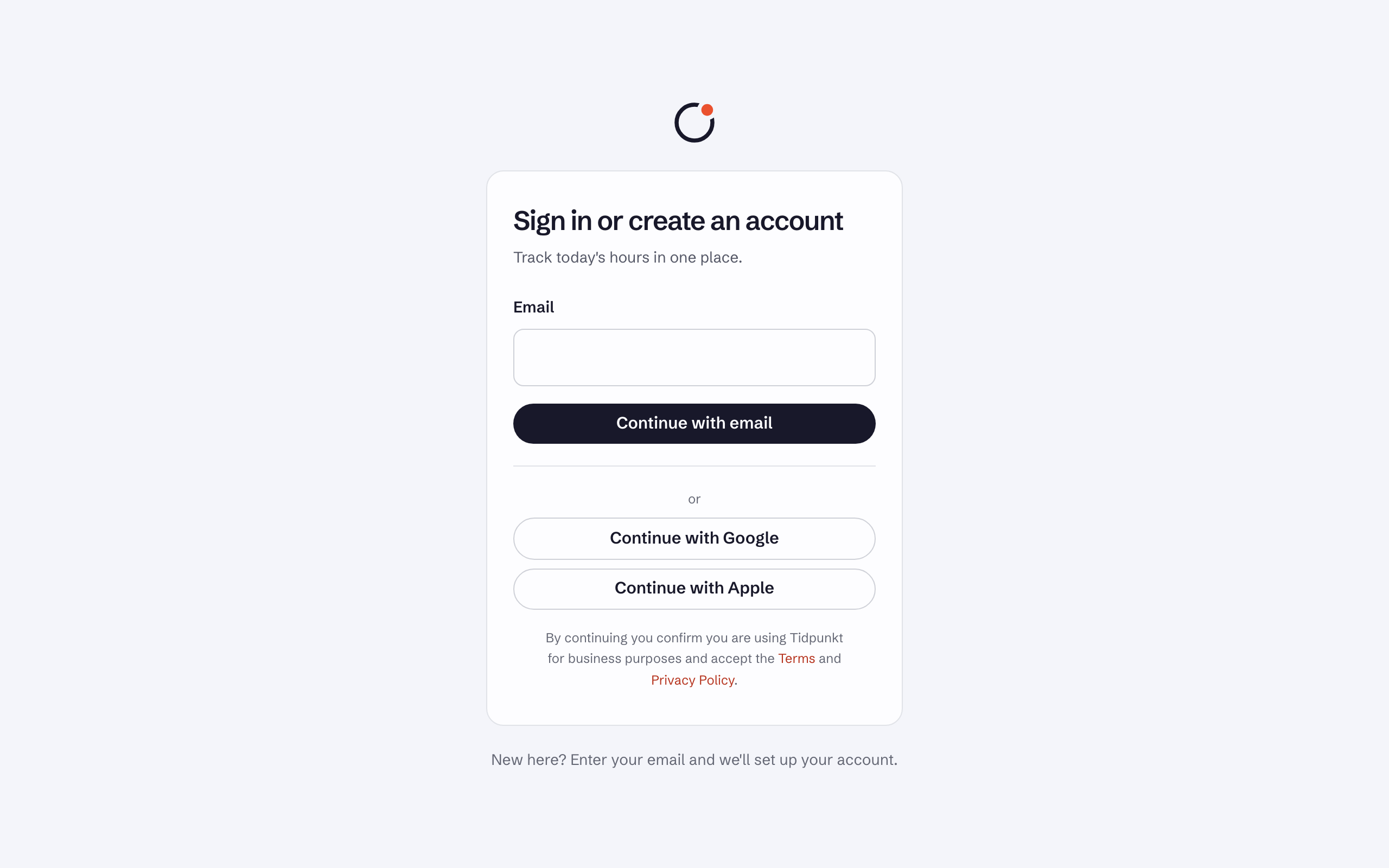
- Go to app.tidpunkt.com, enter your Email and choose Continue with email.
- Copy the six-digit code from the email into Sign-in code and choose Continue. You can also use the Sign in button in the email, which fills in the code for you.
A code expires after 10 minutes and works once. Requesting a new one with Send a new code cancels the previous one, and five wrong guesses cancel a code too. Requests are limited to a few per minute, so wait a moment if you see a message about too many attempts.
If your account has two-factor or a passkey, you confirm with that next.
Create an account
The same page creates accounts. Enter an address Tidpunkt hasn't seen, prove it with the code, and the account exists. You then give your name and name your first workspace. By continuing on the sign-in page, you confirm you are using Tidpunkt for business purposes and accept the Terms and Privacy Policy.
Sign in with a provider
Tidpunkt supports Google, Apple and GitHub. The sign-in page shows a Continue with button for each provider that is available.
- If no account uses that email address, one is created.
- If an account does, the provider is connected to it when both the provider and Tidpunkt have verified the address. Otherwise you are asked to sign in with an email code first. Doing so verifies your address, and Continue with then works.
- A provider that doesn't share an email address can't be used.
Signing in with a provider skips Tidpunkt's second step. The provider handles its own two-factor.
Connected accounts
On your Profile, Connected accounts lists the providers you can sign in with. Disconnect removes one. You can disconnect all of them, because an email code remains available.
Sign out
Sign out is the icon next to your name at the bottom of the sidebar. To sign out everywhere else, open your Profile and choose Sign out other devices under Other devices.
Having trouble? See I can't sign in.