Projects and tasks
Projects
A project groups tasks, usually for one customer, and holds the billing settings those tasks inherit.
Everyone in a workspace can see its projects. Only owners and admins can create, edit or delete them. See Roles and permissions.
Create a project
Open Projects in the navigation and choose Create project. Only Name is required.
| Field | What it does |
|---|---|
| Name | The project's name, up to 255 characters. |
| Customer | Who the work is for. Choose No customer if there isn't one. See Customers. |
| Billing | Hourly rate or Fixed price, with a currency. |
| Deadline | A date shown on the project. It is a planning note and does not restrict tracking. |
| Estimate | An amount in hours or days. It is also the project's budget. See Estimates and budget alerts. |
Leave the hourly rate blank to bill at the customer's rate or the workspace default. The full order is in Rates and services. Hourly rates need a Freelancer, Standard, Professional or Business plan.
Fixed-price projects
With Fixed price, tracked time on the project bills nothing per hour. The price counts once, in the period it is marked billed. A fixed-price project has Mark billed at the top of its page and, once billed, Mark paid.
Work with a project
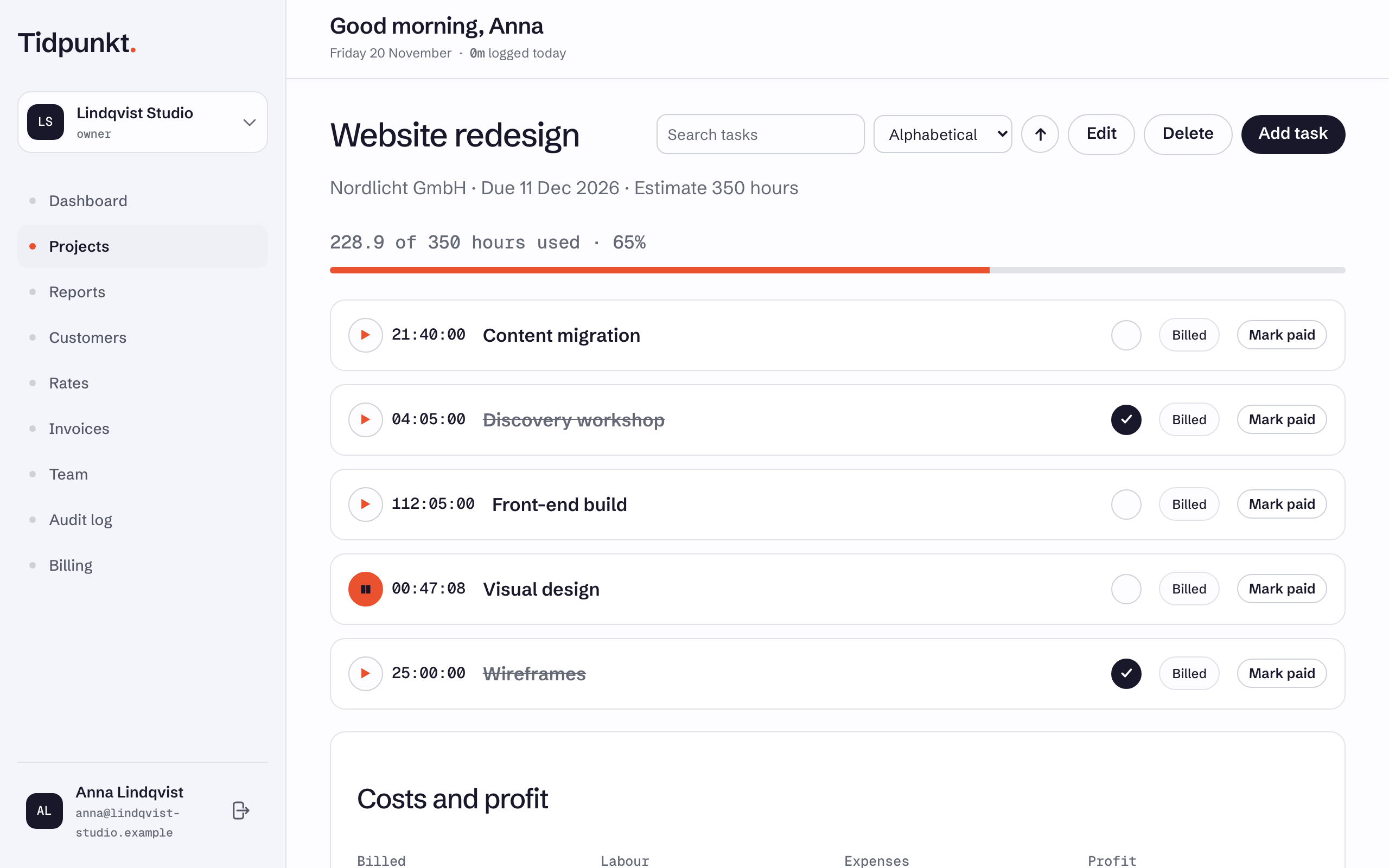
Open a project to see its tasks. Owners and admins have Edit, Delete and Add task at the top of the page. See Tasks and subtasks.
Delete a project
Choose Delete on the project page and confirm. Tidpunkt refuses if any time on the project is attached to an invoice, including a draft.
There is no undo
The project and its tasks disappear from Projects and Reports, and you cannot restore them.