Workspace
Export your data
You can download everything in a workspace as CSV files in one ZIP.
The export is available on every plan. Owners and admins can run it. It includes all finished time entries, also those older than your plan's history limit.
Run the export
- Open Team in the sidebar.
- Under Export, select Export workspace.
The file is named tidpunkt-export- followed by today's date. Tidpunkt keeps no copy.
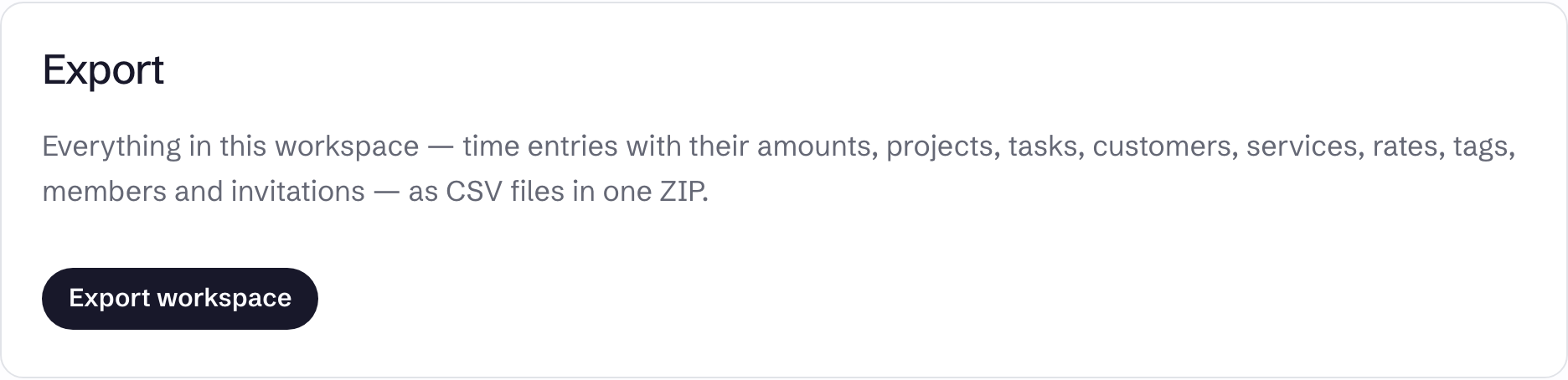
What is in the ZIP
| File | Contents |
|---|---|
organization.csv | Workspace name, default rate, currency |
members.csv | Name, email, role, joined date |
invitations.csv | Invitations not yet accepted |
customers.csv | Name, email, notes, rate |
services.csv | Name, rate |
customer_service_rates.csv | Customers' per-service rates |
projects.csv | Customer, rate, fixed price, deadline, estimate, billed and paid dates |
tasks.csv | Project, service, billable, rate, fixed price, done, billed and paid dates |
subtasks.csv | Task, name, done date, position |
expenses.csv | Project, date, description, amount, currency |
tags.csv and taggables.csv | Tags and what they are attached to |
time_entries.csv | Start, stop, duration, member, customer, project, task, billable, rate, amount, billed and paid dates |
Every file has the ids of its rows and of what they refer to, so the files can be joined back together.
Rates and amounts are decimals, such as 75.50, with one exception: amount in expenses.csv is in minor units, so 75.50 is 7550.
Amounts in time_entries.csv use exact tracked time. Time rounding is not applied.
What is not in the ZIP
- Invoices. Download those one at a time as PDFs.
- Customers' billing addresses and VAT details
- Member cost rates
- Client links and the audit log
- Running timers
- Sessions, sign-in details and payment records