Your account
Profile and appearance
Your profile holds the settings that belong to you rather than to a workspace.
To open it, select your name at the bottom of the sidebar.
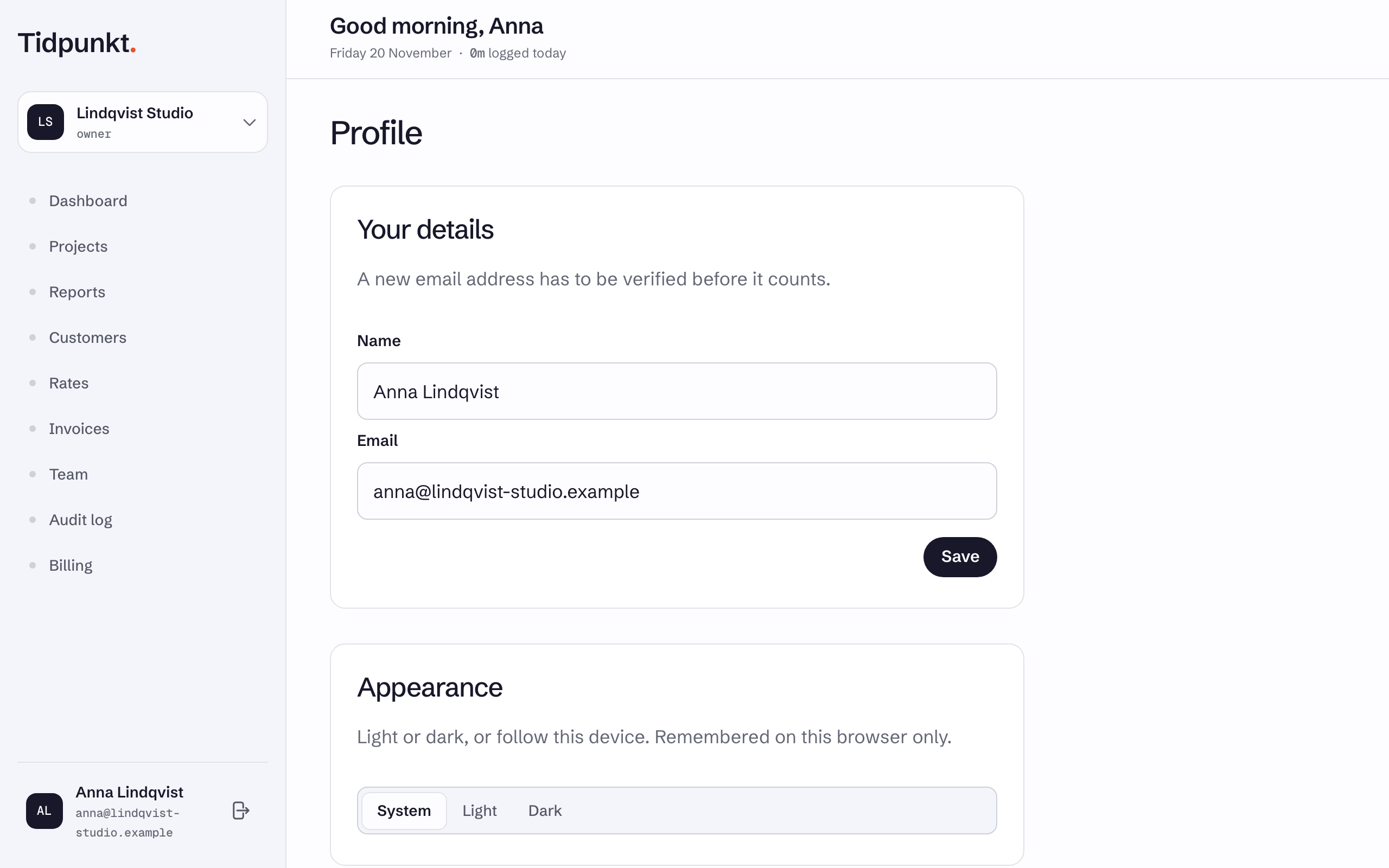
Your details
Change Name or Email and choose Save. Your name is what other members of your workspaces see.
When you change your email address, the change applies at once and Tidpunkt sends a verification link to the new address. Until you follow it, the page shows This address has not been verified. with a Resend the link button. Sign-in codes go to the new address from the moment you save, so use it the next time you sign in.
An address already used by another account is refused.
Appearance
Choose System, Light or Dark. System follows your device's setting. The choice is remembered on this browser only, so another browser or device keeps its own.
Time zone
There is no time zone field. Tidpunkt takes your time zone from your browser. See How do time zones work?.
The rest of the page
- Desktop app: see Desktop app.
- Reminders: see Email notifications and reminders.
- Beta features: Join the beta programme gives you new features early. They may change or be removed. If your workspace is in the programme, the switch stays on.
- Passkeys and Two-factor authentication: see Two-factor and passkeys.
- Connected accounts and Other devices: see Sign in.
- Delete account: see Delete your account.